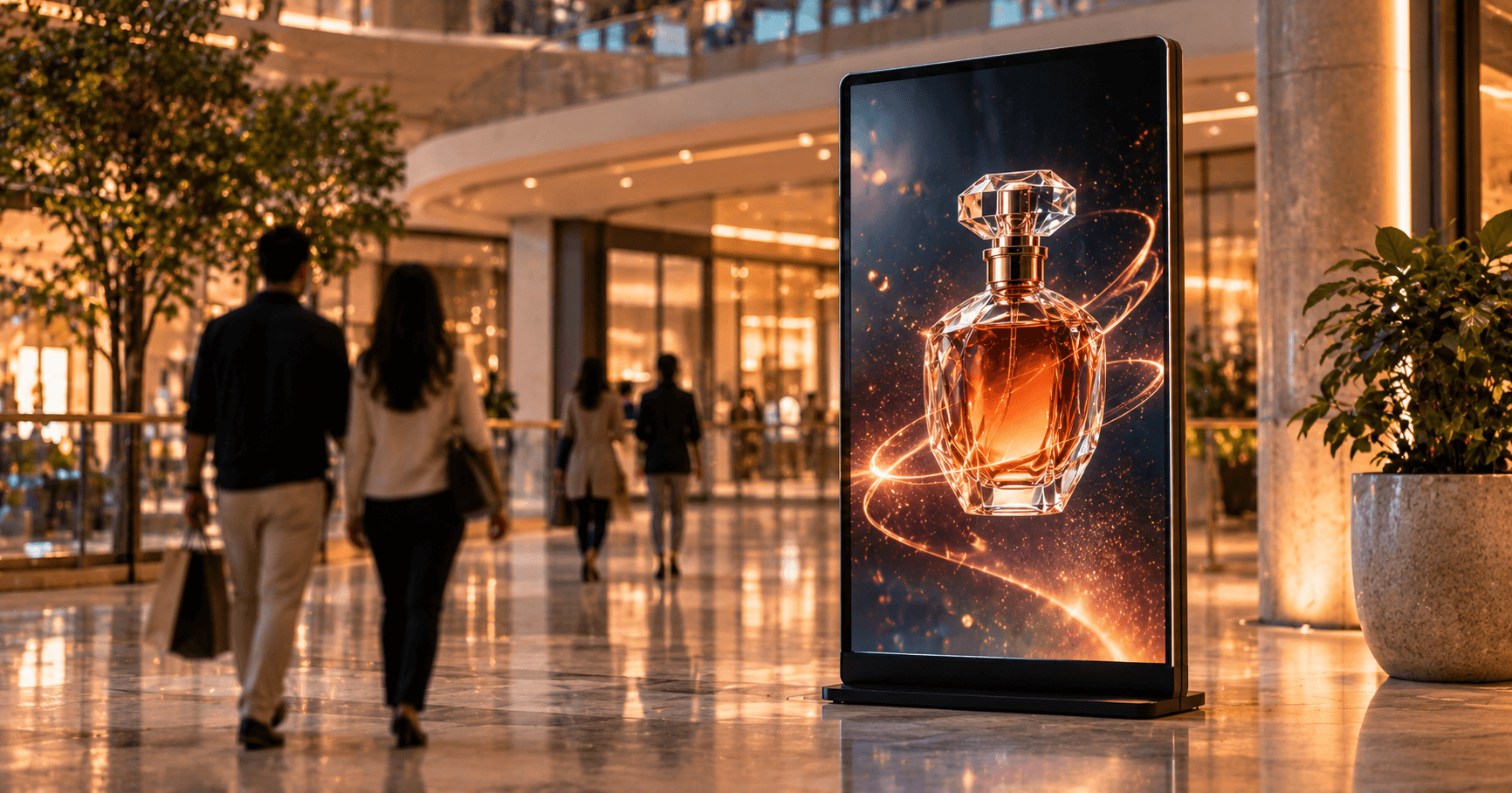
On November 18, Looking Glass announced a 43-inch Hololuminescent Display (HLD) that can switch electronically between ordinary 2D signage and group-viewable hologram mode, keeping native 4K resolution in both. The freestanding touch kiosk is available to pre-order, with shipping due to start in February. Looking Glass has also partnered with Proto Hologram to offer its ProtoOS platform on the display by subscription, adding live holographic communication and interactive experiences.
For brands, that removes a familiar trade-off. A hologram display no longer has to sit idle between showpiece moments, because the same screen can carry prices, offers and wayfinding in 2D. Here is how to plan a first activation.
Step 1: Choose the hologram moment. Decide what deserves depth: a product reveal, a mascot greeting or a hero shot of a new launch. Everything informational can stay in 2D.
Step 2: Build a two-mode playlist. Switching can run from a pre-loaded playlist or be triggered remotely through a content management system, so plan when each mode appears, such as a hologram reveal every few minutes or during peak footfall.
Step 3: Prepare hologram-ready assets. Looking Glass says its AI-powered Hologramify feature can turn an object or character in an existing 2D ad into a hologram in under a minute. Use it for quick tests, but keep dedicated 3D or green-screen capture for hero content.
Step 4: Design for touch and groups. The kiosk is touch-enabled and the hologram is viewable by groups, so add one simple interaction, like rotating a product or choosing a colour, and place the unit where several people can gather.
Step 5: Decide on live features. If you want remote presenters or interactive holographic experiences, budget for the ProtoOS subscription and review privacy, consent and data handling first.
Step 6: Pilot and measure. Start with one store, lobby or event. Compare dwell time, interactions and footfall during 2D and hologram slots, then scale what works. With shipping from February, spring pilots are realistic.
A note before you buy: pricing was not included in the launch coverage, and Hologramify’s speed is the company’s own claim. Request a live demo with your own content before committing to a rollout.
At PointZero Immersive Lab, we design spatial and holographic brand experiences, from 3D product content to interactive installations, and help teams plan pilots that prove value before they scale.